If the user or device itself switches the Battery optimisation setting to On for any reason, or at any point, then... the Mailbox app potentially will not work as intended - as the device may decide to kill it if it judges that the app uses too much battery life.
In this case - should the user be given any message to inform them of this?
To keep track of this issue - this ticket is reported
https://code.briarproject.org/briar/briar-mailbox/-/issues/120
According to the comments in the above ticket:
- if the battery optimisation is switched ON, and the mailbox device goes to sleep, on waking up and restarting mailbox the user should see the dialogue box asking them to swtich the battery opt off.
This refers to the deep sleep caused by the Android operating system itself as and when it decides that the app should not be running in the background. This is tested in this scenario
This test will have a purpose to verify that the mailbox can be restarted and the do-not-kill-me fragment is presented to the user to 'allow connections' after the Battery optimisation setting is set to ON, and the app is exited via one of these means: a) cancel setup b) tapping the 'stop' button on the status screen c) force stopping the app from device settings d) rebooting the device e) after wiping (remote or not)
This needs to be tried. Because: normally this dialogue is set to appear after the intro screens. But are intro screens always shown?
Scenario a)
- fresh installation of mailbox
- whilst the QR code is disaplyed, go to device settings > Apps and Notifications > Special access > Battery optimisation and manually switch the battery optimisation to ON for this app
- go back to the mailbox app and Cancel setup
- then retart mailbox app
results: the do-not-kill-me fragment is presented to the user - which is correct
-
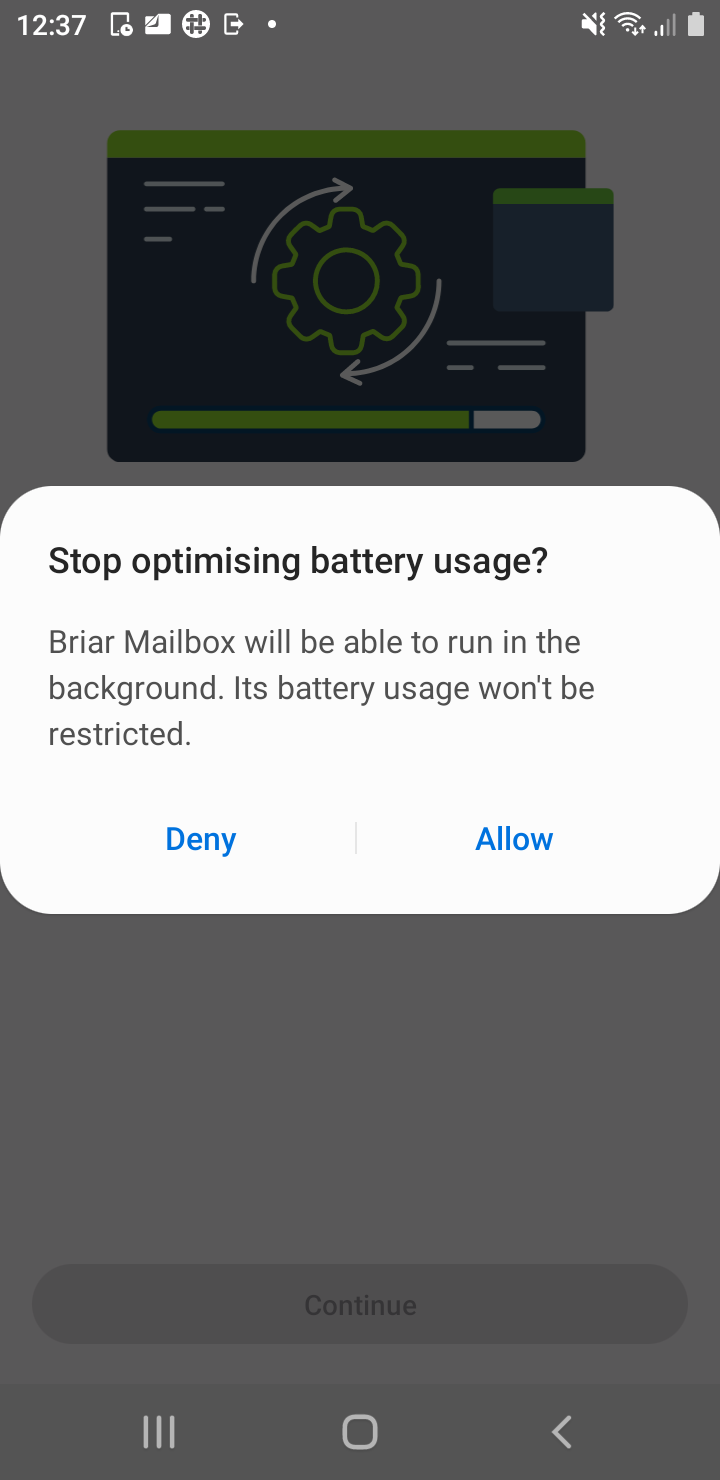
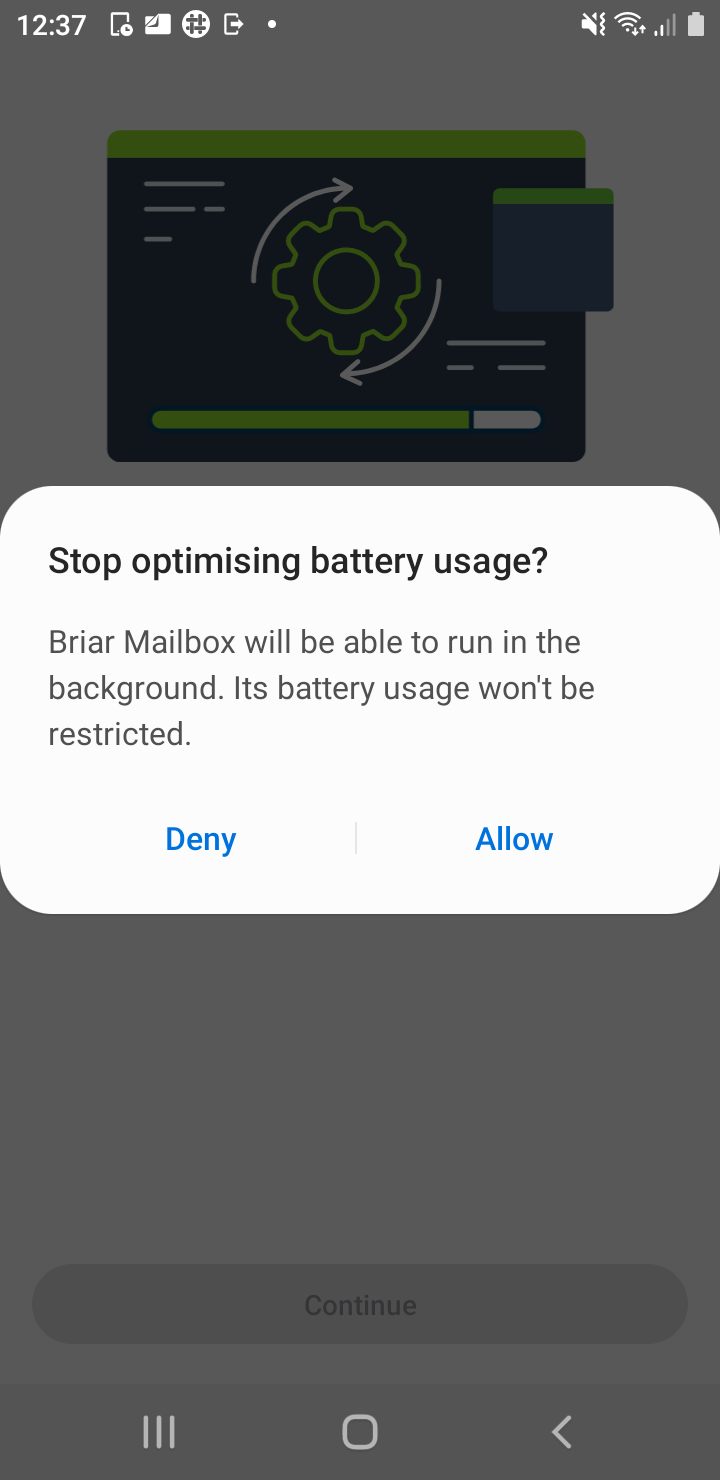
if the user taps Allow connections, they see a dialogue box like on the screenshot - which is excellent.
-
User taps Allow, and the mailbox startup process continues.
-
progress wheel is displayed as is the notification Mailbox is starting and the notification icon top left.
-
QR code is displayed again
-
At the time of QR code being disaplyed again - got to device settings and verify that the battery optimisation is set to Off (because of having tapped on Allow button two steps previously)
-
restart the device settings app to make sure that what you are looking at is the up to date info
Scenario b)
- connect the mailbox with its partner briar app and whilst the status screen is displayed got to the device settings and set the Battery Oprtimisation to ON.
- then go back to the mailbox app and tap the Stop button on its status screen
- then restart the mailbox app
- verify that the do-not-kill-me screen is presented again and that tappng on the Allow button sets the battery optimisation setting to OFF for this app
Scenarios c) force stop the app
- link the mailbox with Briar and once linked switch the battery opt setting to ON for this app.
- then force stop the app
- Start the mailbox.
- the do-not-kill-me fragment should show again and the mailbox should dispaly the status screen
Scenario d) rebooting device
- link the mailbox with Briar and once linked switch the battery opt setting to ON for this app.
- Then reboot the device.
- Start the mailbox.
- the do-not-kill-me fragment should show again and the mailbox should dispaly the status screen
Scenario e)
- the user should see intro screens, then the do-not-kill-me screen, and then the QR code.. in the usual way.
Executed on the 29/7/22 all OK
Retested on 28.11.2022, OK build 190e77813c891bf33ab45ed4a26db7f2f021c468