The objective of this test is to see that the Mailbox app can handle the situation where the Battery Optimisations setting has been set to Off when the app does not expect it to be.
https://code.briarproject.org/briar/briar-mailbox/-/issues/122
Steps to execute:
- After the installation, the user is given the option to walk through the intro screens or skip them.
- At this point, and before proceeding any further, go to device Settings app and check whether the battery optimisation is set to On of Off.
- Usually, it would be On.
- If it is ON, switch it to Off.
- Go back to intro screens and walk through them.
- Now the do-not-kill-me fragment should not be showing. See https://code.briarproject.org/briar/briar-mailbox/-/issues/122
After the installation, when the user is shown "Allow connections" (or do-not-kill-me fragment), but before tapping the "Allow connections" button, go to the device settings and set the Battery Optimisation to OFF.
-
if this setting is changed (by user or the device - for whatever reason) after the "Allow conections" has already been displayed, then... the following will happen
-
This will change the screen, and it will remove the "allow connections "button and all the text, and it will just leave the graphic and the button Continue.
-
A question put in testing channel in MM, on 12/5 - to see if some text can be added, as this screen feels a bit 'empty'... A few words of text would be nice, but not necessary for the MVP?
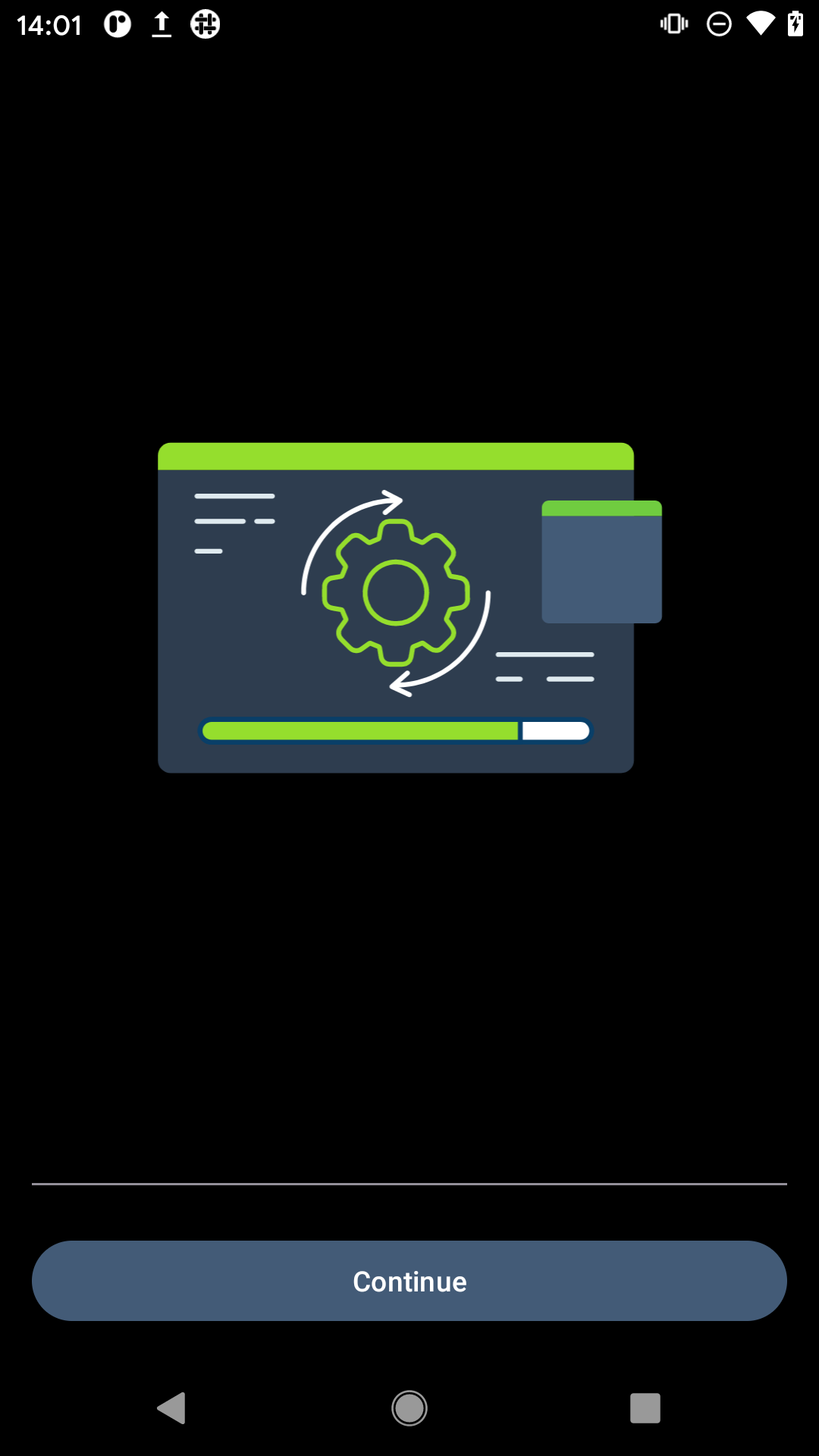
The important thing here is that the switching of the Battery Optimisation setting when mailbox is running is handled gracefully. The steps not executed yet (26 May 22) are steps in the first scenario - where the setting is changed BEFORE the do-not-kill-me fragment is displayed (covering https://code.briarproject.org/briar/briar-mailbox/-/issues/122)
A quesiton in MM testing channel - is the 122 going to be fixed in Sponsor 6? if not, can it be closed? Or should it be kept open?
Additional info:
Android 4 and 5 do not need to display the do-not-kill-me fragment because they don't have the battery optimisation setting in their version of Android OS. From Android 6 onwards, this shoudl be done. However, on my Android 6, Motorola, what happens is: this fragment is displayed only on the first install - and the 'do not optimise battery usage' is remembered by the device. Thereafter, even if I uninstall and reinstall the mailbox, the device remember what I selected beforehnad and will not display the do-not-kill me fragment.
To test this: if Android 6 and higher, and the do-not-kill me fragment is not displayed, then see if batter optimisation for Briar Mailbox is already disabled (this would mean that the device remembers the user's previous selection and will not ask the user to select that option again). If battery optimisation is disabled for Briar Milbox, when the user is not shown the do-not-kill-me fragment, all is well.
NOTE:
During the setup, when the do-not-kill-me fragment is displayed, I tap onto Allow connections, and then I leave the mailbox screen (push it into the background) and go to another app, for example devicse settings to check something, when I get back to the mailbox screen it progresses into the 'progress screen' without me tapping on Continue button. This is as designed, adn confirmed by Seb on 28.11.2022, in MM Testing channel
If I meave mailbox screens before tapping Allow connections, and then come back, the do-not-kill me fragment remains there and I can still tap the Allow connections. All good.